
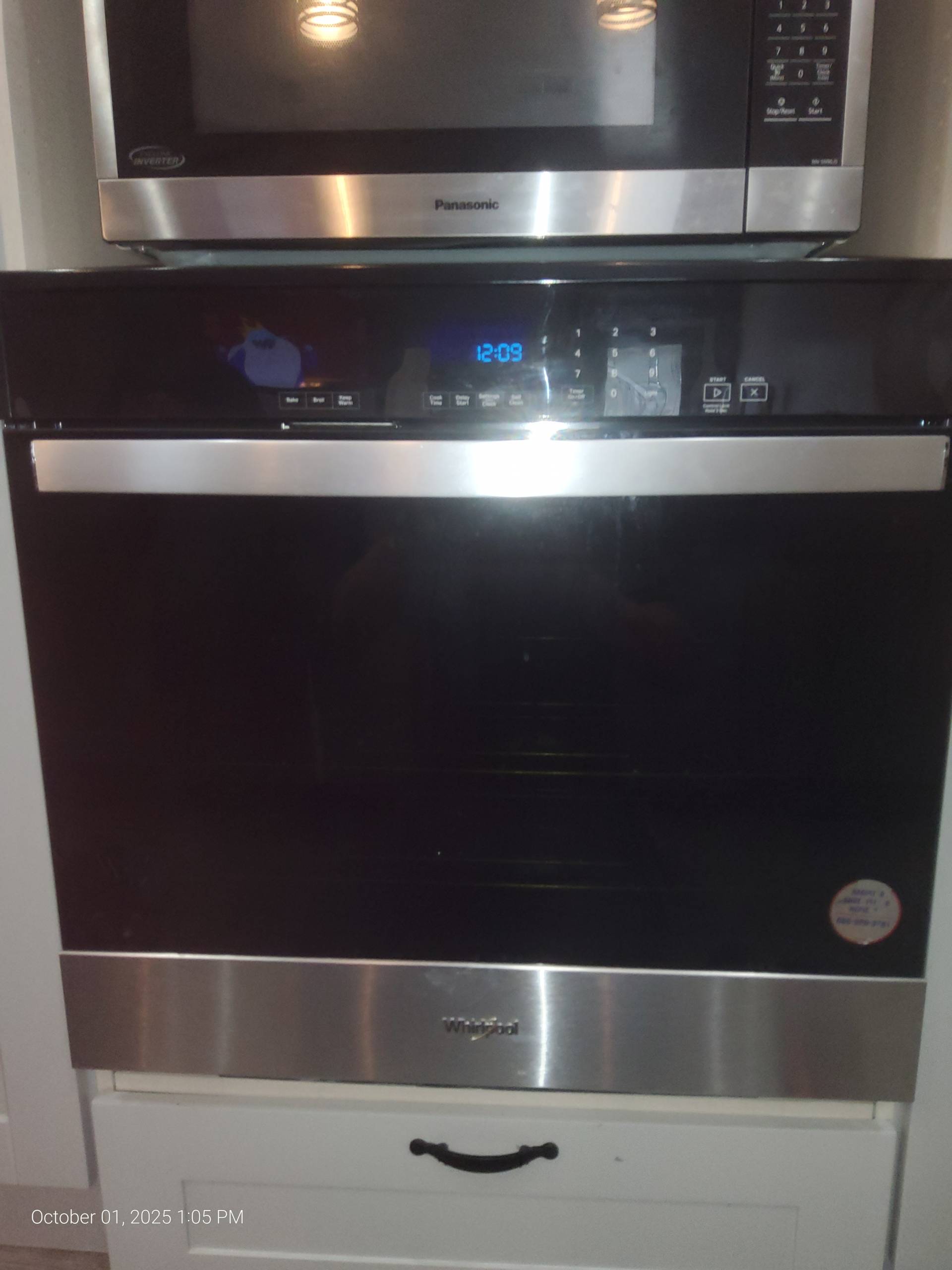
Every home cook knows the routine: you set the oven to preheat, wait for the light to turn off, and assume your oven is ready for the recipe. But sometimes, even after the preheat light goes off, your oven doesn’t feel quite right. Maybe your cake sinks in the middle, or a roast takes longer than expected to cook. If this sounds familiar, you’re not imagining it — there are several hidden reasons why your oven may not be fully ready even after the preheat indicator turns off.
1. The Preheat Light Isn’t Always Synchronized
Ovens use sensors to determine temperature, and the preheat light is controlled by the thermostat. When the thermostat detects that the oven has reached the target temperature, the light goes off. However, this doesn’t always mean that the entire interior of the oven has reached that temperature. Heat distribution can take additional minutes, especially in older ovens or ovens with uneven heating elements.2. Inaccurate Temperature Sensors
If your oven’s temperature sensor or thermostat is faulty, the preheat light may turn off prematurely. Over time, sensors can drift, sending inaccurate readings to the control board. The oven may register the target temperature and turn off the light, but the actual temperature could be lower, leaving your food undercooked or unevenly cooked.3. Residual Heat Lag
Even if the oven has technically reached the target temperature at the sensor, the air inside continues to heat for a few more minutes to stabilize. This is known as thermal lag. For precise baking, particularly for delicate pastries, even a 10–15°F difference can affect results. It’s important to wait a few extra minutes after the preheat light goes off before putting food in.4. Hot Spots and Uneven Heating
Most ovens have hot spots due to variations in heating elements or airflow inside the cavity. Even if the preheat light goes off, one side of the oven might be hotter than the other. This can result in uneven cooking, with some dishes browning too quickly while others lag behind. Using an oven thermometer placed in the center can help you check actual temperature distribution.5. Self-Cleaning Mode or Special Functions
Ovens with advanced features, such as convection, steam, or self-cleaning modes, may behave differently. The preheat light in these cases may only indicate that the sensor has reached the temperature necessary to activate the specific function, not that the entire oven cavity is ready. Always refer to your model’s manual to understand how preheating works for each mode.6. Age and Wear
Older ovens or frequently used models may experience worn-out heating elements, failing sensors, or electrical issues. Even if the preheat light functions normally, these internal issues can prevent the oven from maintaining a stable cooking temperature. If you notice repeated inconsistencies in cooking times or food doneness, it’s a sign that a professional inspection is needed.7. Power Fluctuations or Electrical Issues
Ovens rely on a consistent supply of electricity to heat evenly. Fluctuations in voltage or a failing control board can cause the preheat light to turn off prematurely. This is more common in areas with unstable power supply or in ovens connected to overloaded circuits.How to Know Your Oven Needs Professional Service
Some warning signs include:- Food takes longer to cook than the recipe suggests
- Cakes or bread sink in the middle despite proper preheating
- Uneven browning or hot spots in the oven
- The oven fails to maintain temperature even when the preheat light turns off
What You Can Do
- Use an oven thermometer to verify actual temperature
- Allow a few extra minutes of heat circulation after the preheat light goes off
- Rotate pans or trays for more even cooking
- Regularly inspect and clean heating elements to maintain efficiency